Help test ReadBear!
We're looking for active testers!
Sign up for testing
Welcome to ReadBear

ReadBear
A cute and chill CBZ, PDF, EPUB reader that's ridiculously configurable - for free!



Installation
You can get the app from F-Droid, Obtainium or directly from Github Releases. When downloading .apk files please verify their app signature.
For help with app instalation on F-Droid please refer to their help, as well for Obtainium.
Guide for manual downloads:
- Download the
.apkfile from releases - After downloading
.apkfiles please verify their app signature. - Open the
.apkfile - You may see a message that your browser may not install apps, open settings from the popup to allow it
- Click install (and accept the Google Play Services scanning) - the app scans as safe
- You may now open the app and start your reading!
Screenshots
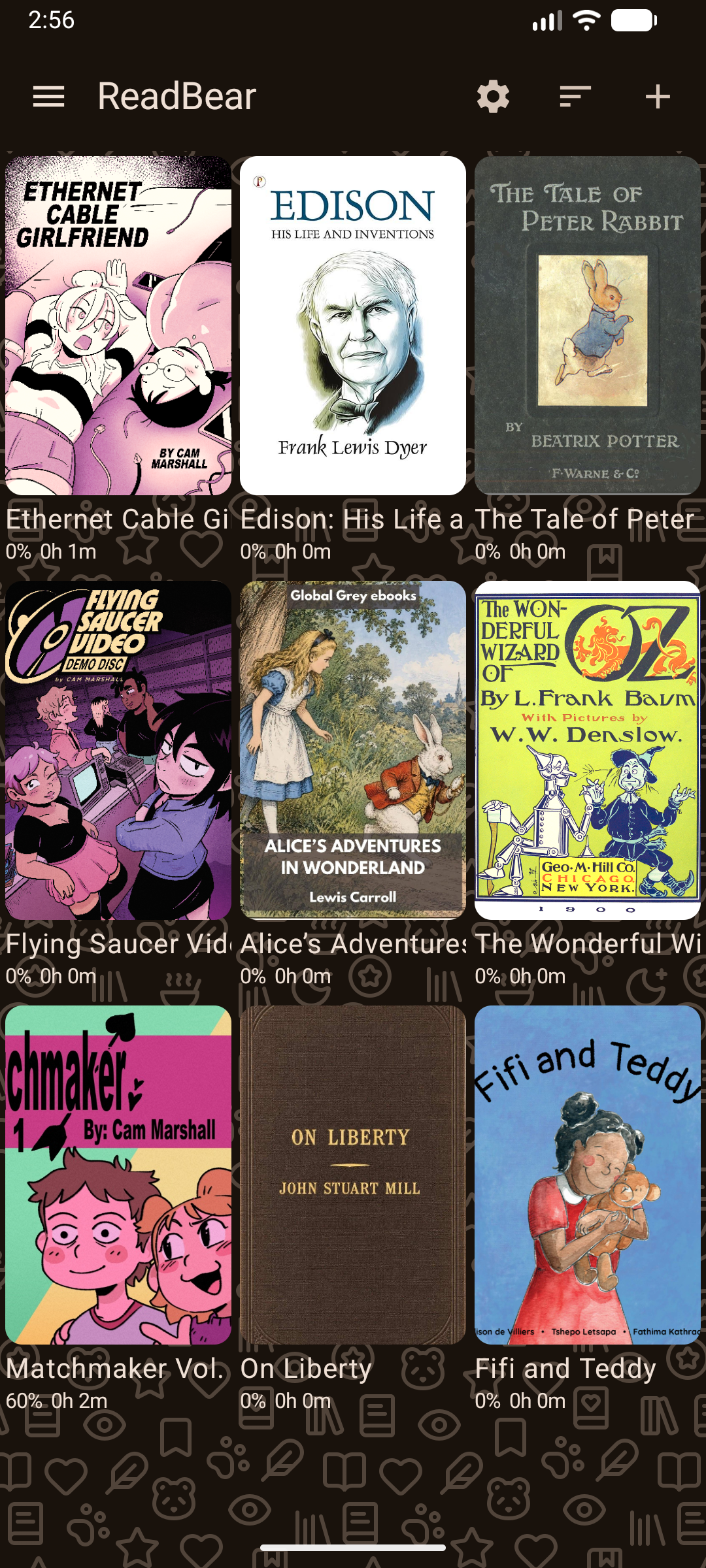
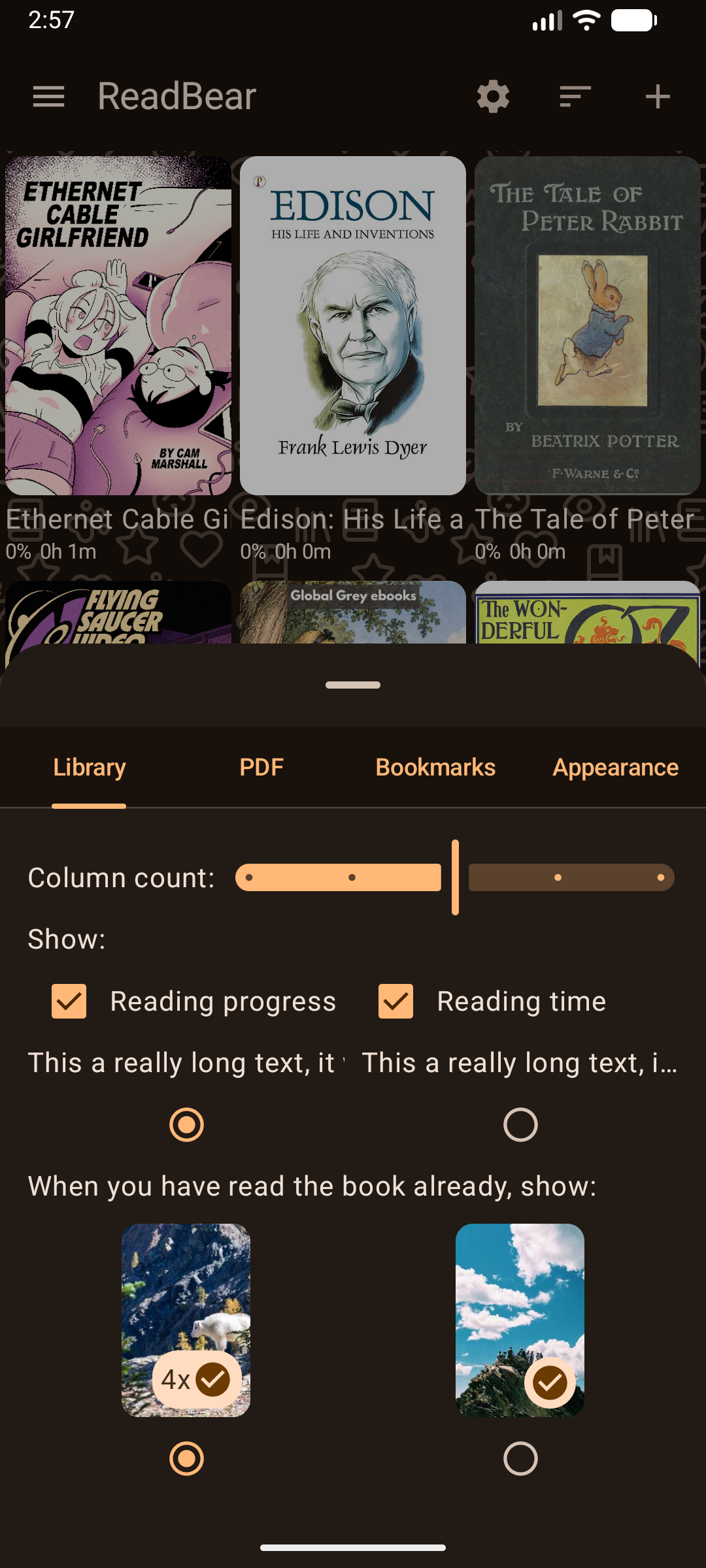
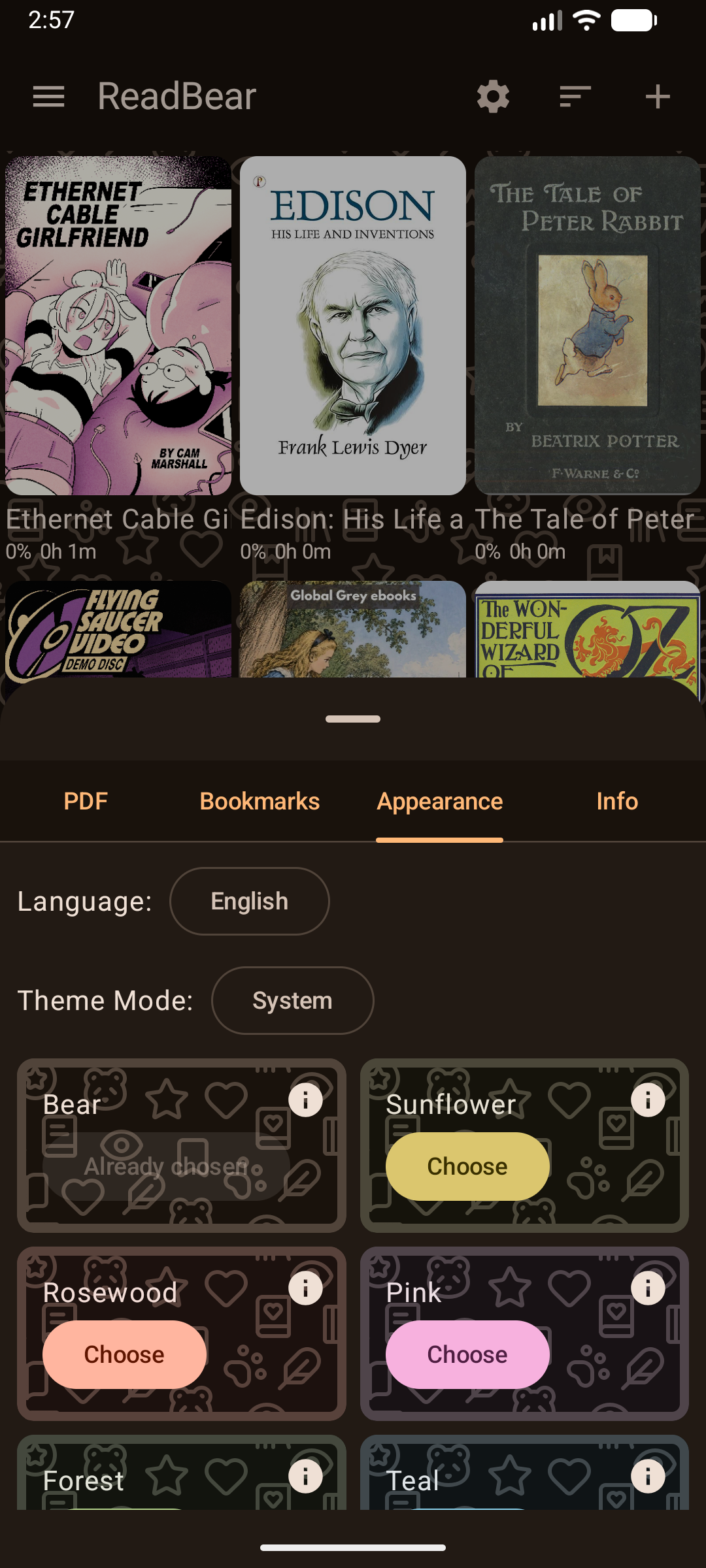
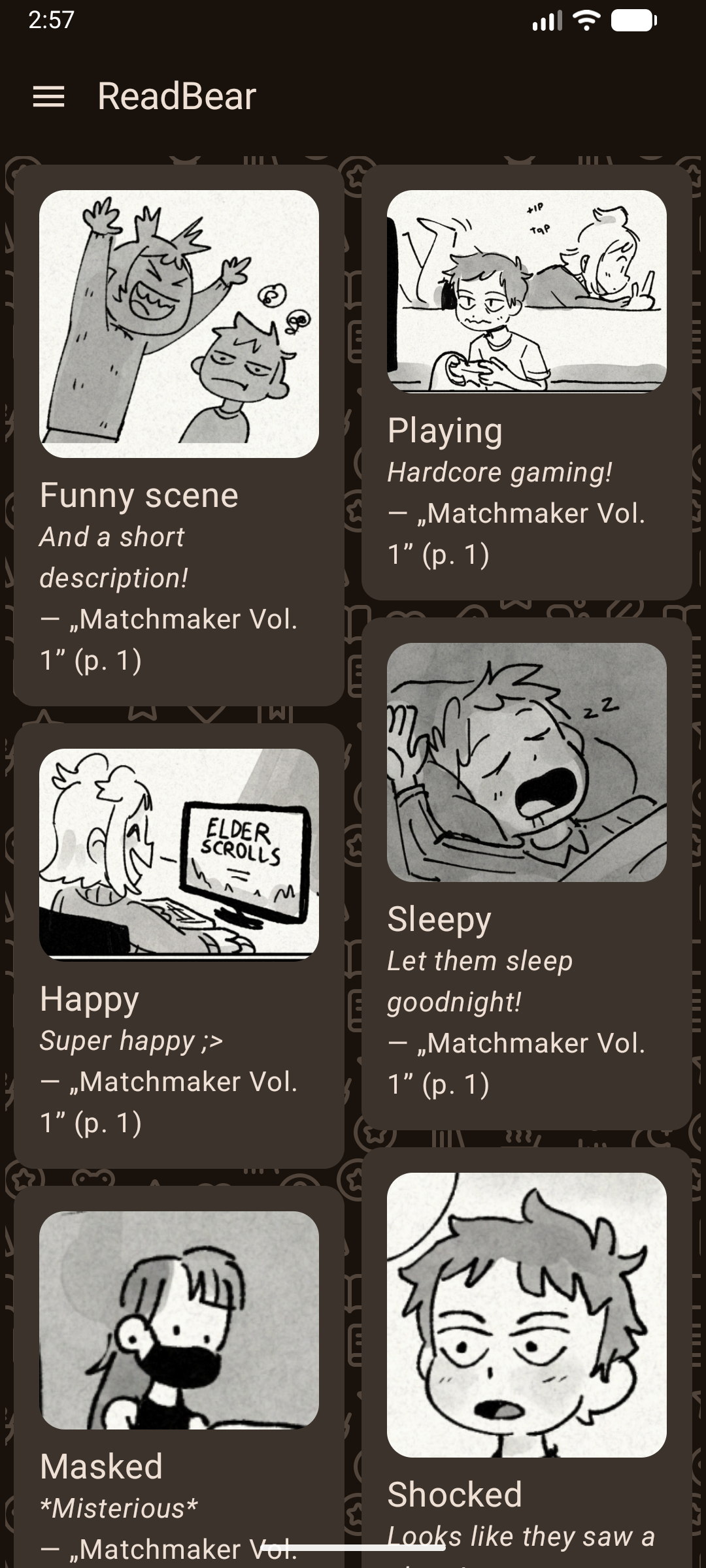
Features
- multiple reading formats
- bookmarks and auto-saving reading progress
- keeps track of all the reading hours
- capture snippets, screenshot fragments of the books
- customize features of the app to your liking
Supported formats
| Format | Support | Info |
|---|---|---|
| EPUB | ✅ | Customization options are coming! |
| CBZ | ✅ | Metadata is not yet supported |
| ✅ | Metadata is not yet supported | |
| CBR | ⌛ | In near future |
| MOBI | ⌛ | In farther than near future |
✅➕ - all reading features are supported, along with additional ones
✅ - all reading features are supported
⚠️ - reading is supported, but not all format features are (for example metadata)
⌛ - format is on the roadmap
Verify app signature
Use for example AppVerifier and check with this fingerprint. I am unfortunately unable to add this to the database, as pull requests are not accepted at the moment.
dev.tulis.readbear
BA:29:5F:BF:D8:57:41:ED:AC:5C:37:72:43:0B:BA:B1:91:81:91:E8:99:90:D8:6C:87:17:B4:39:95:93:37:12
License
ReadBear is released under MIT.
- Last updated:
-
Contributors
